
The desktop 3D print world seems to be converging on two technology approaches. Which will win?
As we’ve written recently, the desktop 3D printer space is now undergoing another significant shift into a more advanced level. Two years ago, it was high-speed 3D printing, and then in the past year, it was the introduction of filament swapping systems for multicolor 3D printing.
In each case, one manufacturer launched a system that worked effectively with the new tech, and the other manufacturers had to quickly follow or be left behind. Some were indeed left behind.
Now, just as we see most manufacturers have or are about to announce filament swapping systems, there is another change taking place: waste-free multicolor 3D printing. There’s now a new race to achieve the best solution to this problem.
The need for waste-free printing is obvious: filament swappers do offer multicolor 3D printing, but only at the cost of massive material waste created when purging during filament switches. In some cases, the prints require 10X as much material for purging, making the effective cost of material far, far higher.
Two technological approaches have emerged to combat this effect.
One, tool changing, has been around for a while. Introduced by E3D and a few others, today only a few manufacturers produce tool changers.
Tool Changing Overview
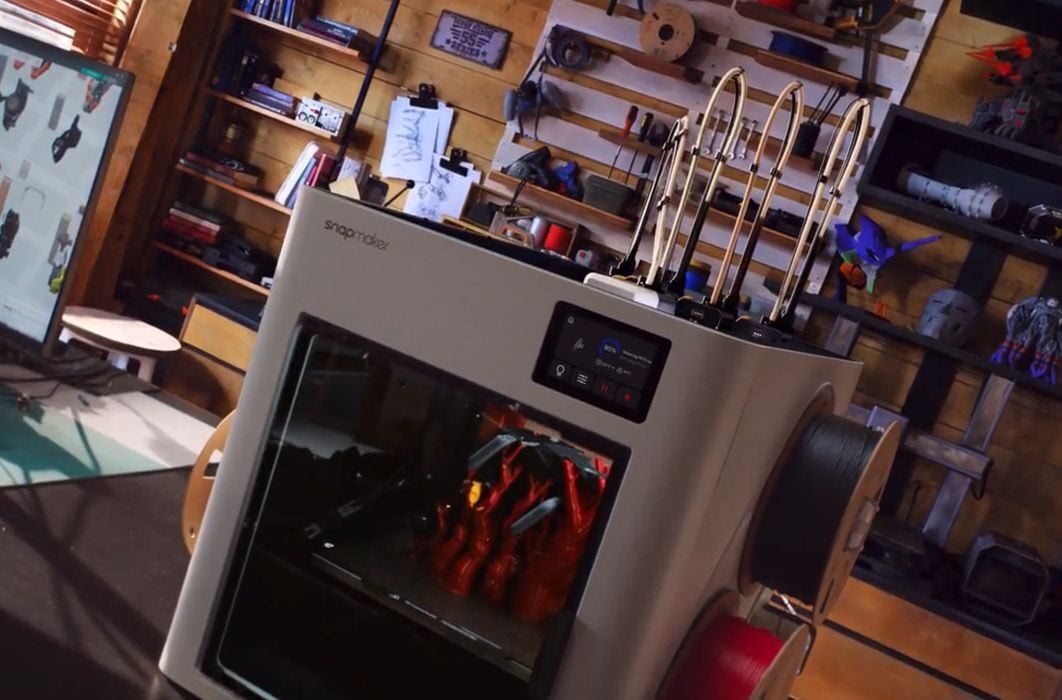
A tool changing system will have multiple tool heads, each containing a nozzle, hot end, and extruder. These will be dynamically swapped onto the motion system to change colours during print jobs. It’s a very fast way to change colour and produces virtually no waste because the separate tool heads don’t need purging.
The reason for the lack of popularity of effective toolchanging systems has been cost. While typical 3D printers have a single toolhead, toolchangers have many. Each of those adds more cost to the machine. Today’s leading toolchanging option is Prusa Research’s XL, which has five toolheads. It’s priced around US$4000 when fully kitted out.
Snapmaker has changed the financial equation, however, by announcing the U1. This device is a four-way toolchanger, but priced about the same as a typical single-nozzle filament swapping system.
That combination has become extremely popular, with their launch campaign gaining far more than US$15M in backers. That essentially proves that the market desperately wants waste-free 3D printing.
Alternative Waste-Free Approaches
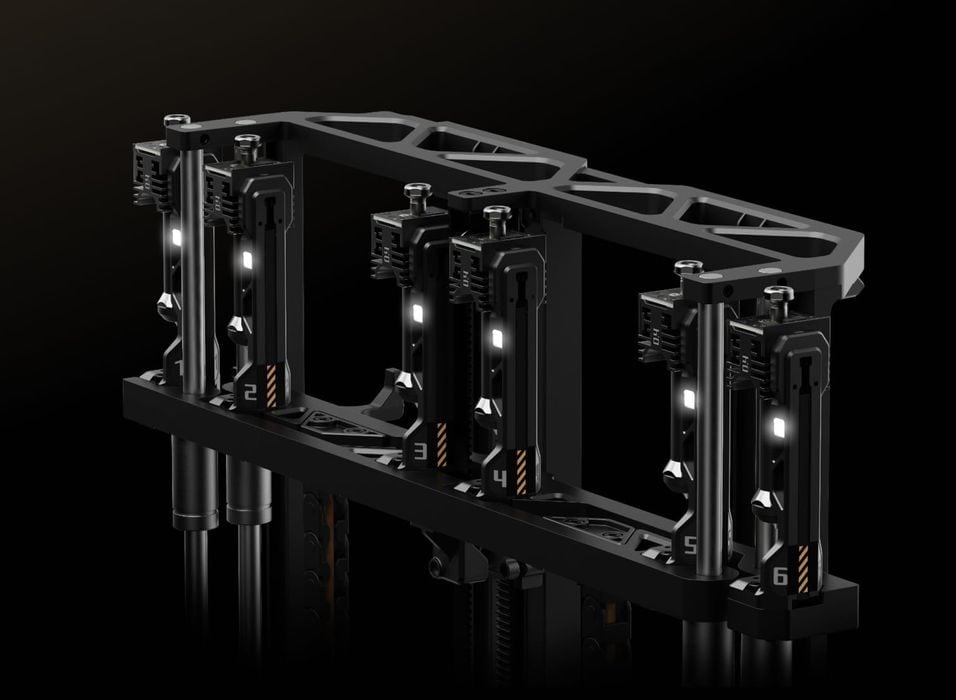
There’s another technology that’s emerged to solve the waste problem. Two companies have announced, but not yet released solutions.
Bambu Lab announced their Vortek system, which involves swapping only the hot ends – but not the extruders. This eliminates the need for purging, and should significantly save on materials for multicolor 3D print jobs.
Bondtech, makers of 3D printer components, announced a system called INDX. This is somewhat similar, in that only the hot end and related elements are swapped. Again, material is conserved and waste is eliminated.
Note that Bondtech does not manufacture 3D printers themselves, and instead they plan on selling INDX hardware to other manufacturers. So far, Prusa Research has publicly indicated they are interested in using INDX technology.
Complications to Waste-Free Approaches
Bambu Lab’s Vortek has a complication over the other systems: it still requires a filament swapper accessory. Their H2C system with Vortek requires the different filaments to be delivered to the toolhead, and that will necessitate the use of at least one external AMS unit.
The tool changers do not require filament swappers because each spool directly feeds each toolhead.
The INDX solution is also designed to have spools directly attached to the swappable hot ends. It does not require the use of a filament swapping accessory like an AMS.
This means that in order to use the multicolor features on a Vortek system, you will also have to purchase an AMS. That raises the effective price of the system. For this reason, it’s likely Bambu Lab will primarily offer the upcoming H2C as a combo with an AMS.
Toolchangers have the ability to use only as many colours as there are toolheads. In Snapmaker’s U1, that means four, while Prusa’s XL, it’s five.
On the other hand, Bambu Lab hinted that the H2C would have seven Vortek hot ends. The H2C Combo would offer more colours than the competition.
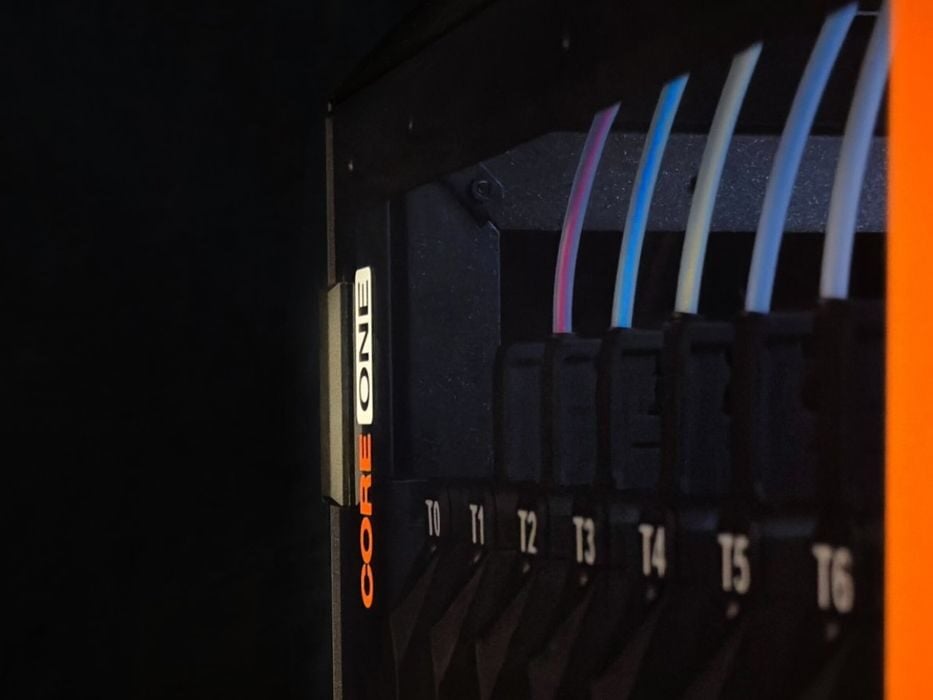
Then there’s Prusa Research’s yet-to-be-announced INDX solution. They could decide to include as many INDX hot ends as fit into their CORE One system, and sneak peek images suggest that could be the case.
However, the Vortek system might have another advantage here: since the filament is provided by a filament swapping system, it would theoretically be possible to print in more than seven colours — by requiring a purge.
This means the H2C would be more like the H2D in that you put the most frequently used filaments in dedicated toolheads. In the case of the H2D, a typical configuration would be to have the busiest filament on a dedicated toolhead, and an AMS on the other for the less-used materials.
However, an H2C would offer many different possibilities. For example, you could have six dedicated filaments, and then an AMS on the seventh toolhead for rarely used materials. Or you could have five dedicated toolheads and two AMS units. You get the idea, lots of flexibility here.
Which Technology Wins?
That’s the big question, and it’s very difficult to answer because none of these solutions have actually hit the market. We don’t know which ones are fastest, most problematic, hardest to fix, most reliable, etc. We also haven’t seen the software required to drive all this complexity, and that’s a whole other area where there can be problems or solutions.
By this time next year, however, we will know the answer.
Via Bambu Lab, Prusa Research, Snapmaker, and Bondtech
